Tagging guide
QR vs NFC vs RFID
Choose QR codes for visible, individual lookups with a phone camera; NFC for close-range taps with compatible phones; and UHF RFID when a supported reader needs to identify multiple tagged items. Choose the tag and reader together, then test them on your actual items.
Talk to us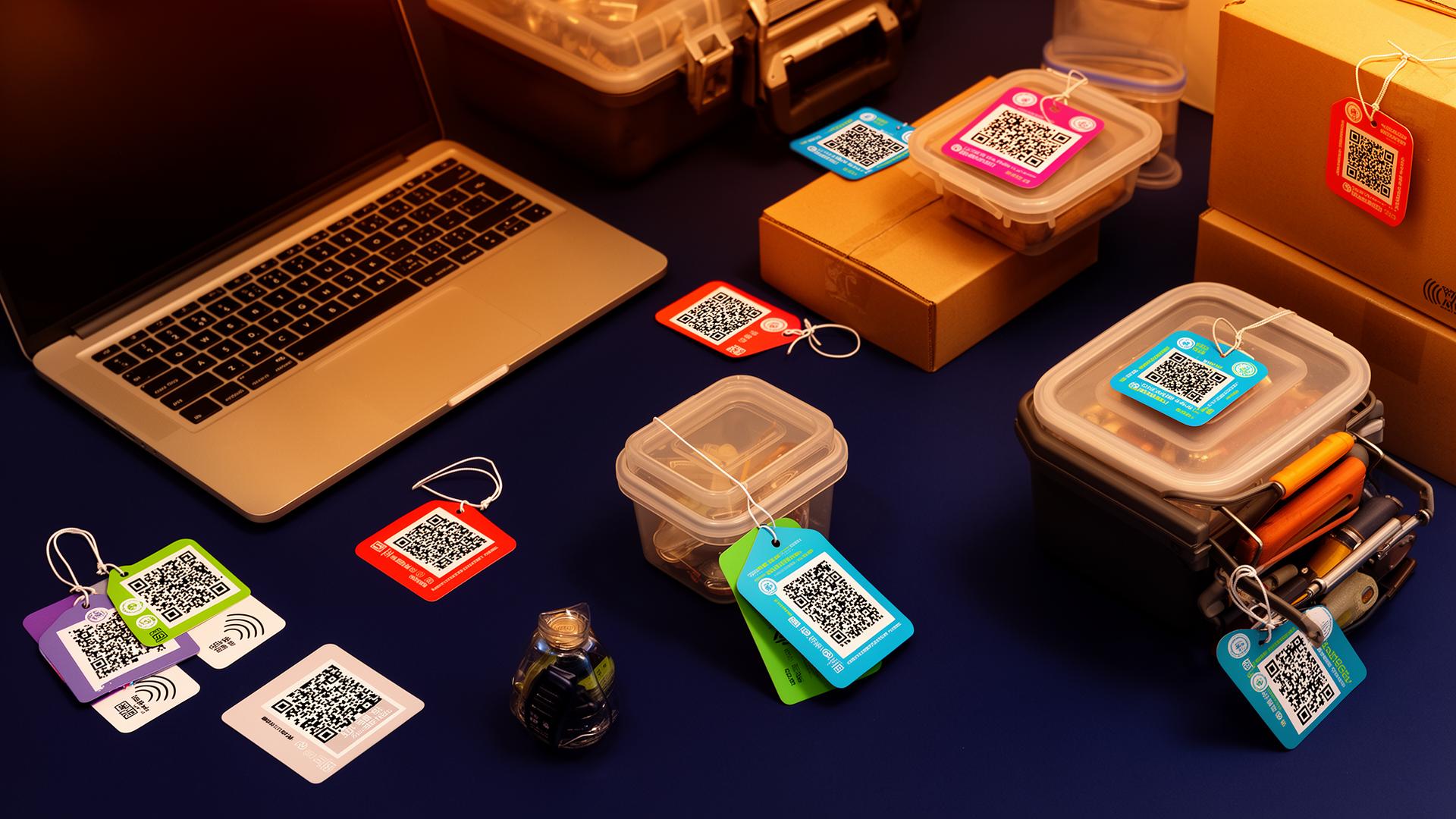
The difference in one minute
QR is an optical code: a camera needs to see the printed symbol. NFC uses short-range radio communication and can carry a link that opens on a compatible phone. NFC is itself a type of RFID; in warehouse asset tracking, ‘RFID’ often means UHF RFID used with specialist readers.
A phone's NFC capability does not make it a UHF RFID reader. Neither a printed QR code nor a passive tag is a GPS tracker: your workflow records where an item was scanned, rather than continuously reporting its location.
QR codes: start with the camera you already have
QR labels suit equipment lookups, home storage and customer-facing information. A code containing a web address can open an item page without a dedicated scanning app. You can use printed sheets, ready-made reels or durable asset labels.
- Best fit: one item at a time, with a clearly visible label
- Plan for: print contrast, damage, lighting and a usable code size
- Cost factors: printing, label material, application time and replacement labels
NFC: a close-range tap
NFC can make repeated lookups convenient when a person can bring a compatible phone close to the tag. Tags encoded with suitable web links can open browser experiences. Compatibility, phone settings and tag placement matter; try the exact phones your team uses.
- Best fit: frequent individual lookups and item-linked actions
- Plan for: mounting material, protective casing and phone compatibility
- Cost factors: tag construction, encoding, application and replacements
UHF RFID: plan the reader as well as the label
UHF RFID can support bulk inventory workflows without visually aiming a camera at each code. The achievable read performance depends on the reader, antennas, tags, item materials and environment. Metal, liquids and densely packed items need careful testing.
- Best fit: stock checks and equipment audits where bulk reading helps
- Plan for: reader compatibility, unwanted nearby reads and missed tags
- Cost factors: readers, antennas, specialist tags, setup and staff training
Can one item use more than one tag?
Yes. A QR label can provide a phone-friendly lookup while RFID supports an audit. Link each representation to the same item record so a scan or read does not create a duplicate asset.
The tag gets you to the record. Permissions, service forms, check-in/out actions and integrations belong to the workflow behind it. Smart Links supplies the platform; Forge lets you tailor scanning and admin experiences.
A practical pilot before you roll out
Try a representative sample of items and the actual devices people will use. Include awkward surfaces, worn labels, real storage conditions and the permissions each audience needs. For a freezer or washable container, confirm the label's rated conditions and test adhesion and readability—do not assume every tag is suitable.
- Check that each tag opens or identifies the intended item
- Record failed scans, duplicate reads and time spent completing the task
- Agree how lost tags, replacements and reusable containers are handled
- Compare total rollout costs rather than the tag price alone
Common questions
Which tag is cheapest?
Compare the complete workflow, not only a unit price. QR may use existing printing and phone cameras; NFC adds electronic tags; UHF RFID adds reader hardware and setup. Materials, volume and application can change the total.
Will a tag show an asset's live location?
Not on its own. Scan-based workflows record events and locations. Continuous location tracking needs additional compatible infrastructure and a defined system.
Do I need an app?
A QR web link can open with a phone camera, and suitable NFC web-link tags can open on compatible phones. Specialist RFID workflows need supported readers and software. AllTagged's optional Android app supports scanner workflows.